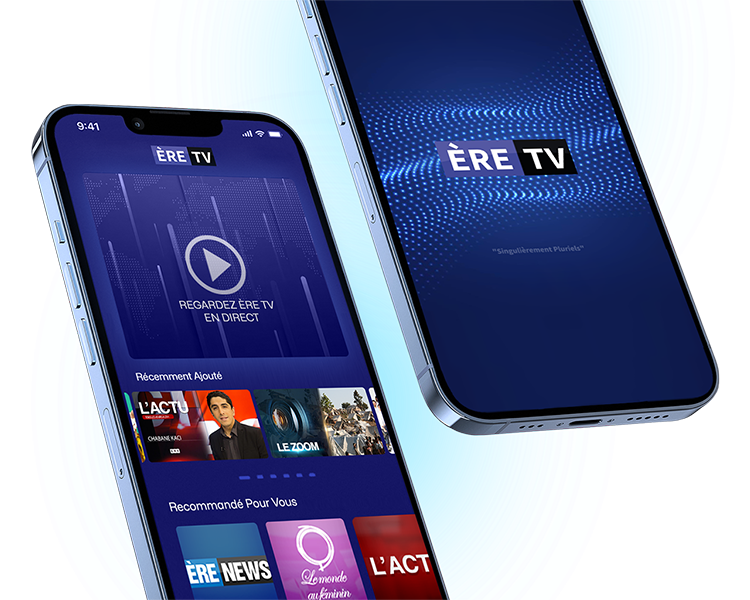
ÈRE TV APP
Crafting an Engaging TV Channel App
PROJECT BACKGROUND
ÈRE TV, a popular television network, recognised a pressing need to develop a dedicated mobile application following persistent requests from its audience.

Many viewers desired the flexibility to watch live broadcasts and catch up on recorded programs conveniently via smartphones and tablets.

The TV channel responded to the demands of its audiences and viewers by deciding to develop the ERTV app.
Role

UX/UI Lead Designer

Tools
Icon 1 Icon 1 Icon 2 Icon 3 Icon 4
Timeline

8 Weeks

Process

Discovery, Define, Ideation, Design, Handoff

eretv.fr

PROJECT OVERVIEW

Designing a user-friendly and visually appealing TV channel app to enhance user experience and engagement.

My role was as the lead UI/UX designer, collaborating with developers and stakeholders to bring this vision to life.

PROBLEM

ÈRE TV needed an app due to the high demand from audiences who wanted to watch live and recorded programs on the go. The existing website was not optimised for mobile viewing, making it difficult for users to access content on tablets and smartphones.

SOLUTION

Creating an app would provide a more convenient and engaging way for users to watch their favorite shows anywhere and anytime.

GOALS

The goal was to deliver a high-performance application that offered a superior viewing experience compared to the website, catering to diverse user preferences and technological capabilities. Stay connected with Smart Alerts: Receive real-time notifications for live programs and easily share their favorite shows on social media.

DISCOVERY

KICKOFF

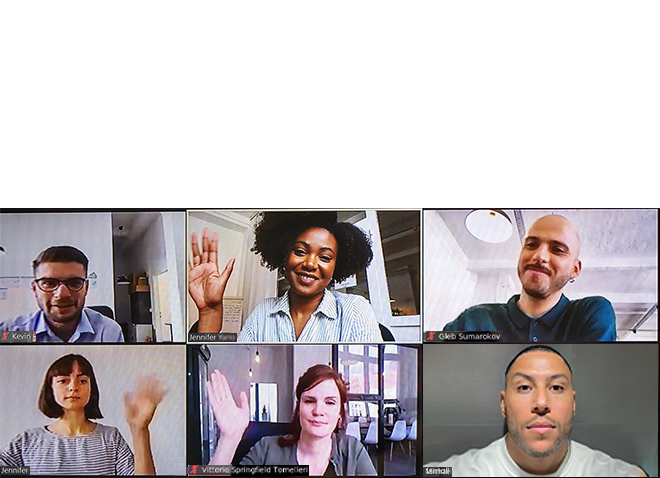
As the design lead for ÈRE TV, I arranged a Zoom call for our team to discuss the project details, milestones, and clarify questions. We reviewed initial ideas for user flows, assigning specific flows to each one of us for the next meeting. A shared document was created to collect any team questions. This ensured clear communication and a shared understanding of our goals.

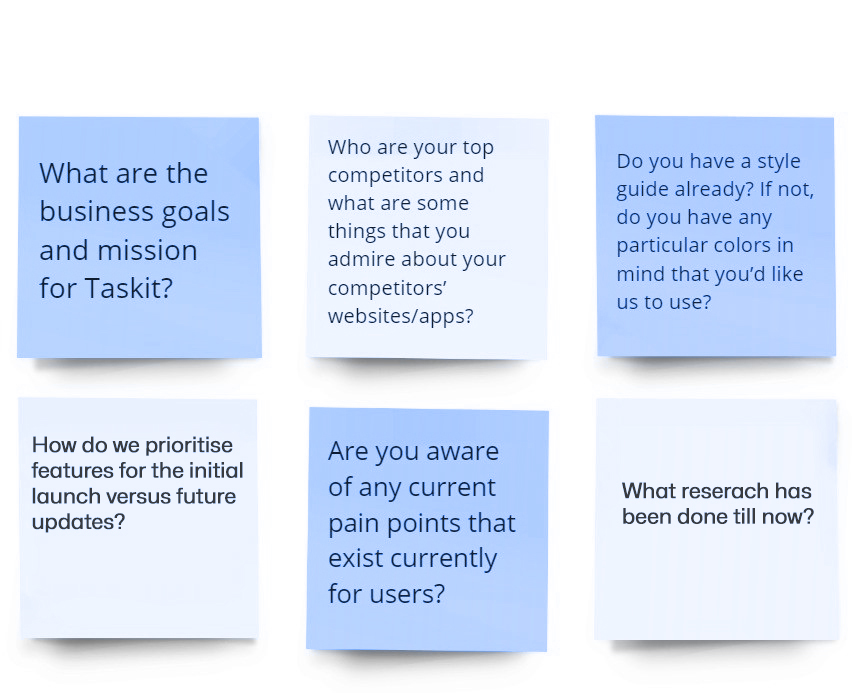
TEAM QUESTIONS BROARD

We documented project-related questions to better understand the goals for the ÈRE TV app. Whenever a team member was unsure what to ask, I encouraged them to research common UX design questions. The answers helped clarify our direction and ensured all team members were aligned on the project's requirements and objectives.

DEFINE

USER PERSONA

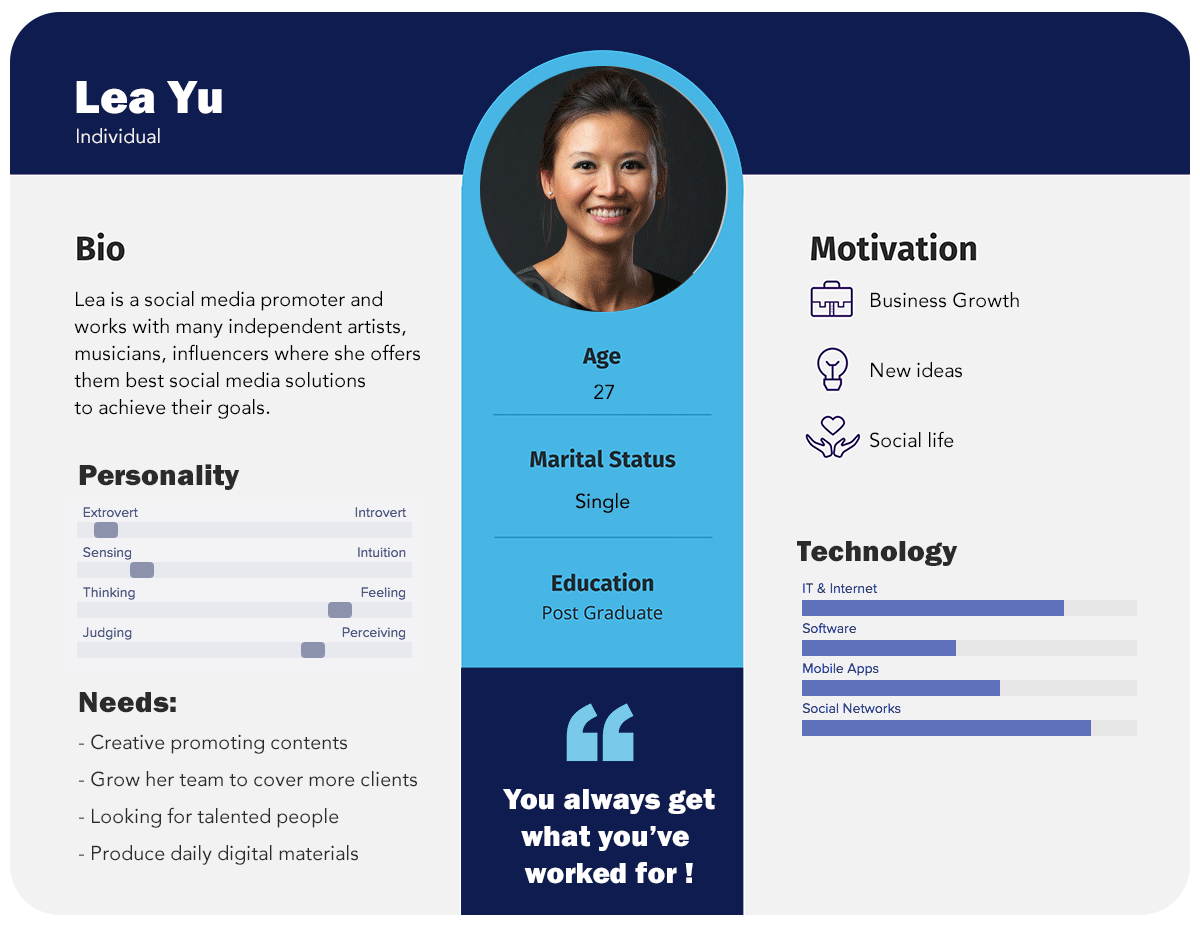
In designing the ÈRE TV app, I identified common user frustrations and needs. By creating a detailed user persona, I was able to capture key characteristics and behaviors, allowing us to tailor the app to meet specific user expectations and enhance their viewing experience on mobile devices.


EMPATHY MAPPING

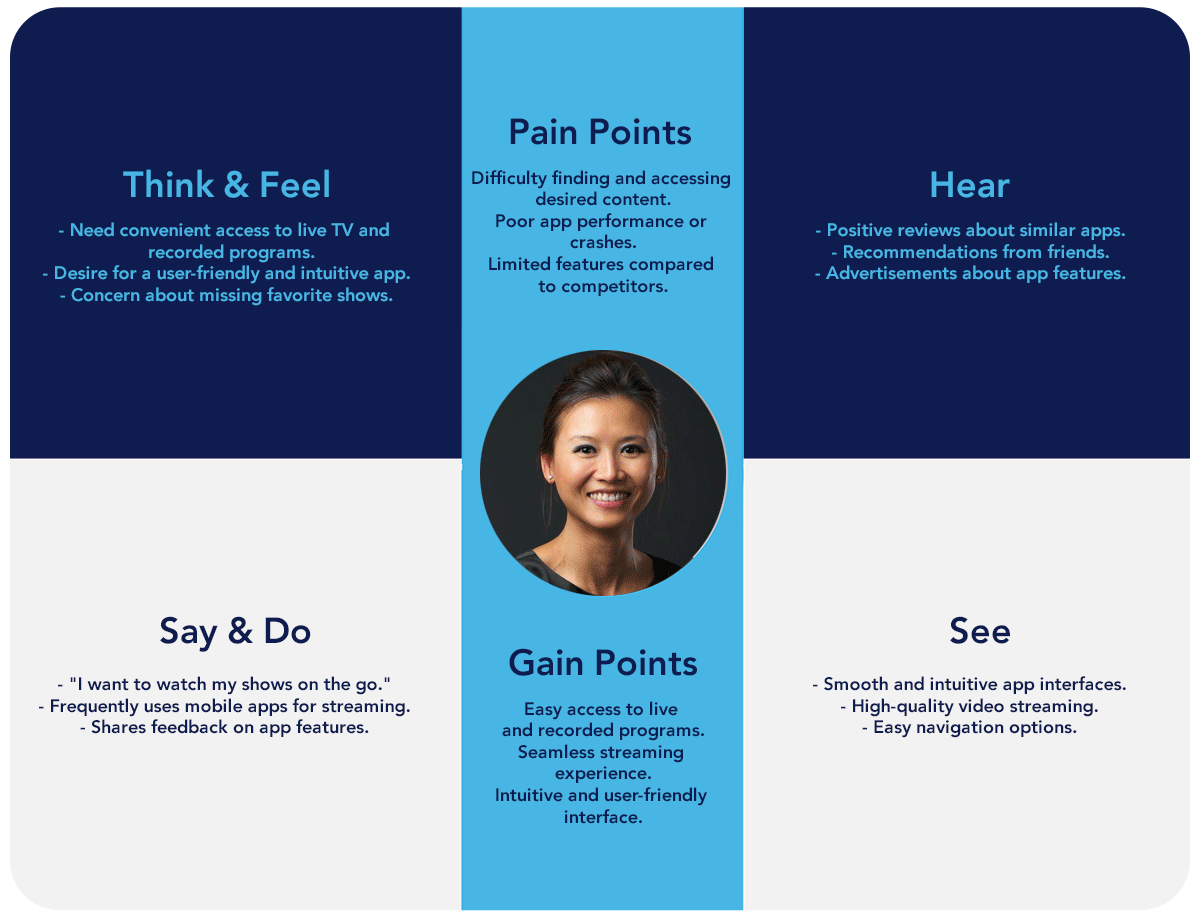
To ensure a user-centric design for this project, I developed an empathy map. This process highlighted user pain points, desires, and expectations, guiding our design solutions to align closely with user needs and improve overall satisfaction with the app.


IDEATION

SCENARIOS

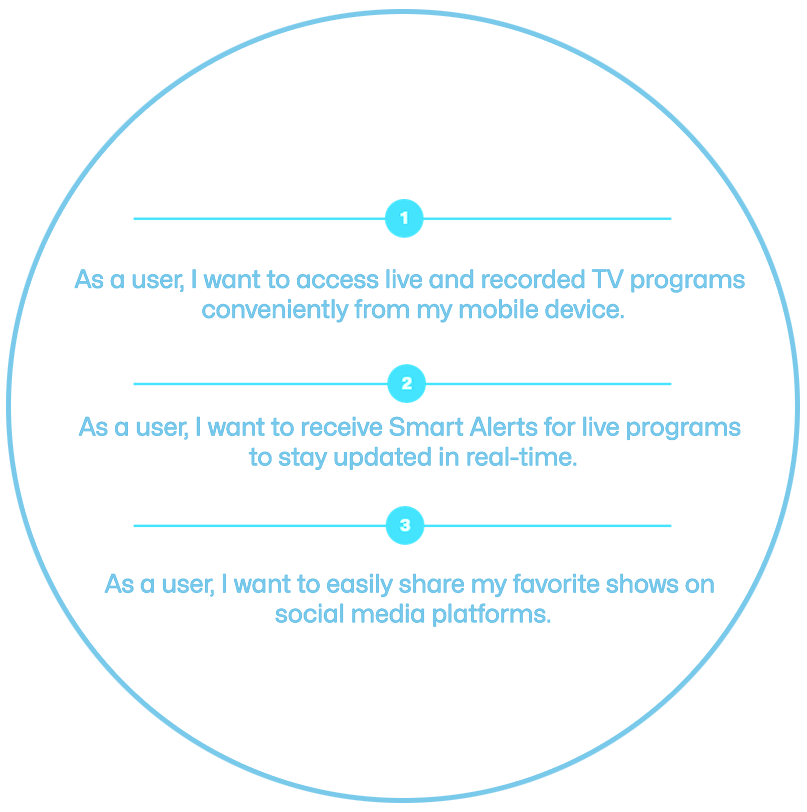
To align with ÈRE TV's project scope, crucial user stories were compiled and prioritized for the MVP phase. These stories laid the groundwork for the application's core functionalities, setting the stage for future feature expansions.

USER FLOW

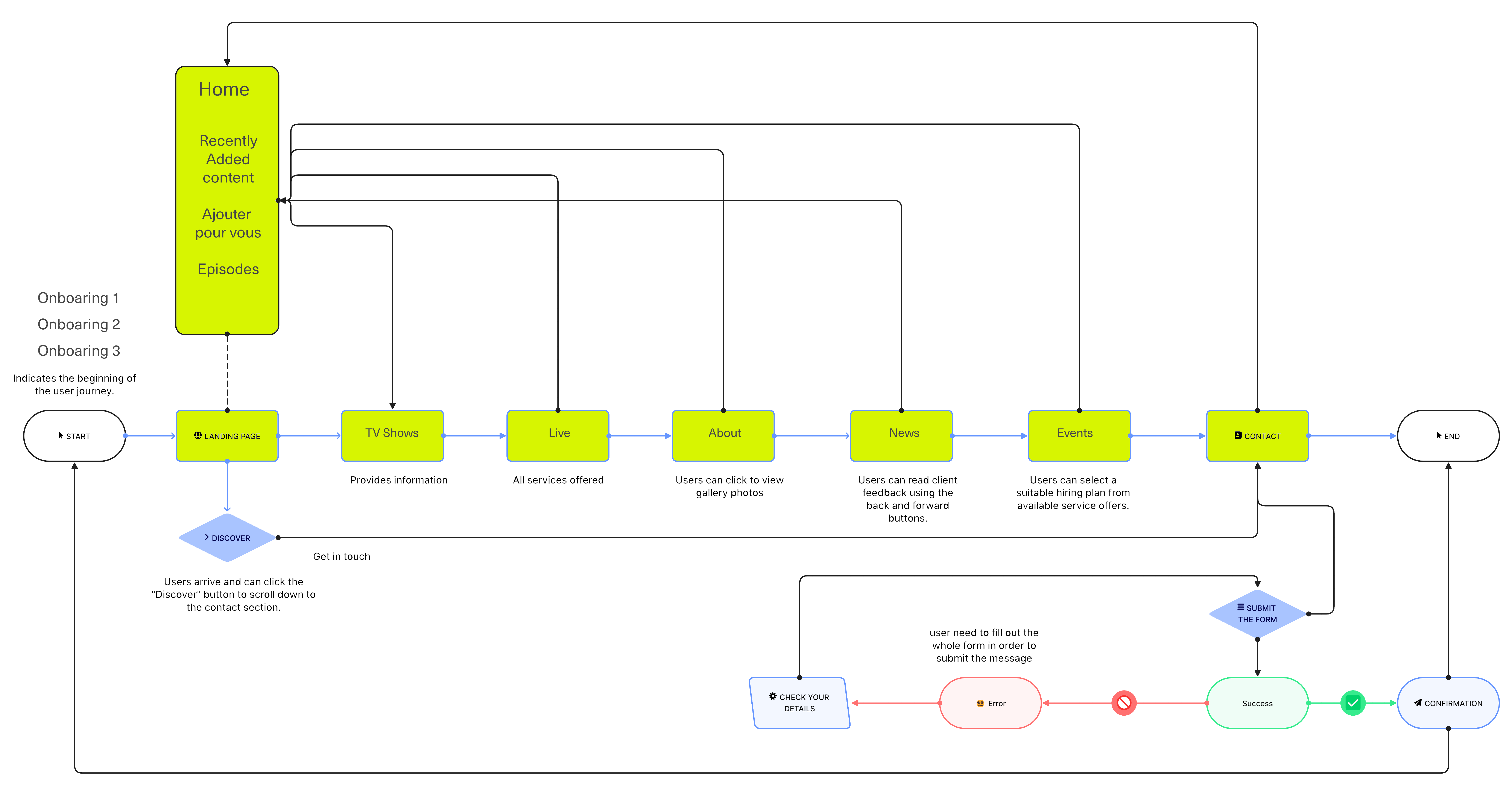
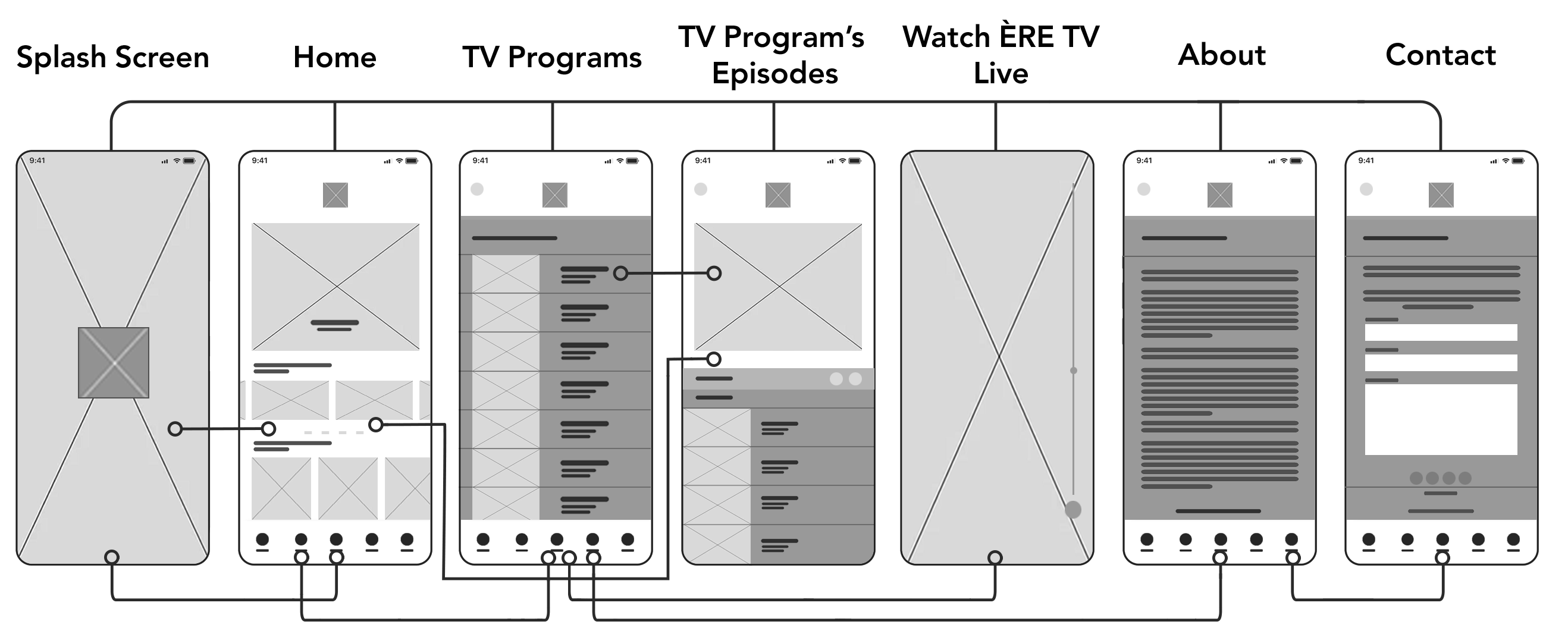
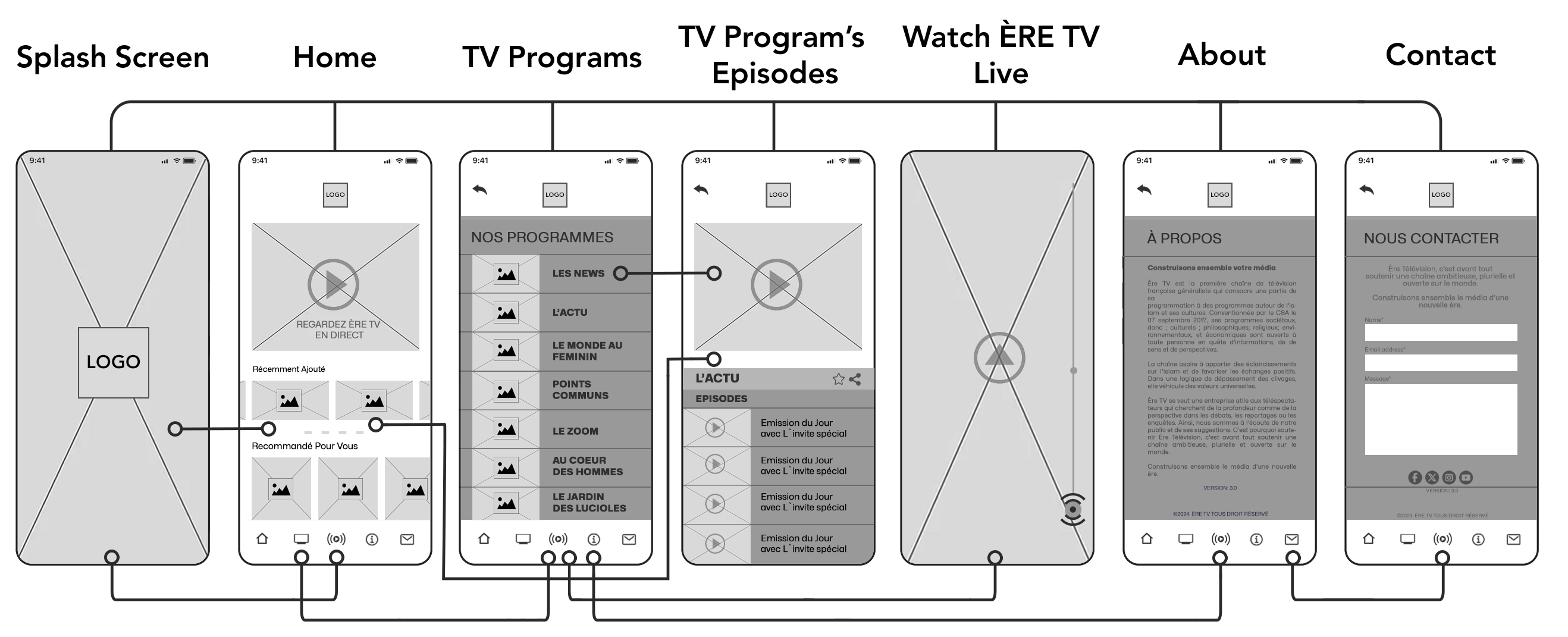
I began working on the wireframes for the ÈRE TV app. I structured the app and assigned user flows to turn into screens. Adjustments were made for smooth transitions. Despite the challenges due to the many screens, I encouraged the team with weekly design sessions, sharing Figma tips to speed up workflow. I emphasized the importance of consistency in the wireframes.


DESIGN

WIREFRAMES

I began working on the wireframes for the ÈRE TV app. I structured the app and assigned user flows to turn into screens. Adjustments were made for smooth transitions. Despite the challenges due to the many screens, I encouraged the team with weekly design sessions, sharing Figma tips to speed up workflow. I emphasized the importance of consistency in the wireframes.


LOW-FIDELITY PROTOTYPE

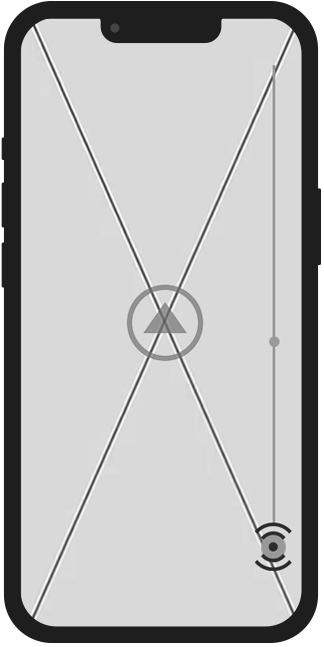
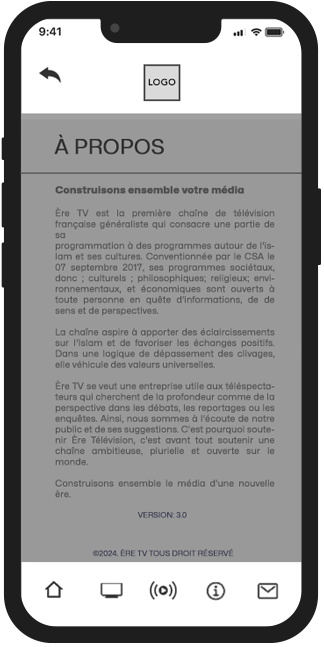
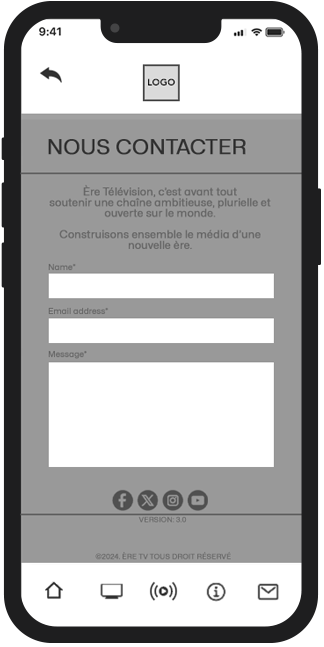
In the early stages of the ÈRE TV app project, low-fidelity prototypes were developed to outline the basic framework and user interactions of the app. These initial sketches and wireframes, shown in the graphic on the right, were instrumental in pinpointing usability problems and collecting user input. The primary focus was on the app's layout, navigation, and essential features, enabling rapid iterations and improvements before advancing to more detailed design and development phases.


UI INSPIRATION

At the beginning, I initiated design sessions where team members presented competitor product screenshots such as TF1 and TV5 Monde, UI color inspirations, and style examples. We reviewed and discussed these examples to identify effective UI patterns and best practices. Our goal was to create a modern elegant layout. Ensuring a cohesive and visually appealing user experience across the app sections.

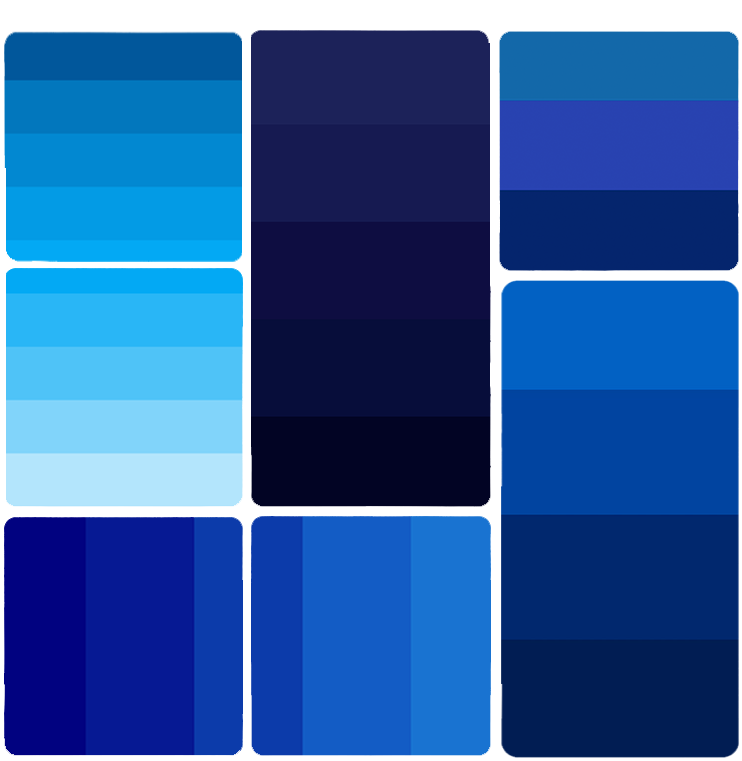
COLOUR INSPIRATION

I explored diverse colour palettes to meet ERE TV requirements for a vibrant yet balanced interface, distinct from their corporate site. Focusing on diversity tones, we curated palettes that resonated broadly. I incorporated these palettes across key screens to ensure consistency and vibrancy, emphasising softer primaries and supportive accents that align with the brand's identity and user preferences. These explorations facilitated productive discussions on colour efficacy and visual appeal throughout the design process.

STYLE GUIDE

In this app project, we explored color palettes to match the dynamic news channel environment, aiming for a blend of vibrancy and professional aesthetics suited for our informed audience. We selected Comforta Bold for its authoritative presence in news broadcasting and Poppins for its readability across devices. Our style guide evolved with robust grids, urgent iconography, and streamlined navigation, ensuring seamless integration with ÈRE TV's branding for effective news delivery.

Purple
#404898
Dark
#1c1e38
White
#FFFFFF
Purple
#5458a3
TYPOGRAPHY
Font Family | Lato


ICONOGRAPHY
ÈRE TV app Icons


Logo
Refreshed


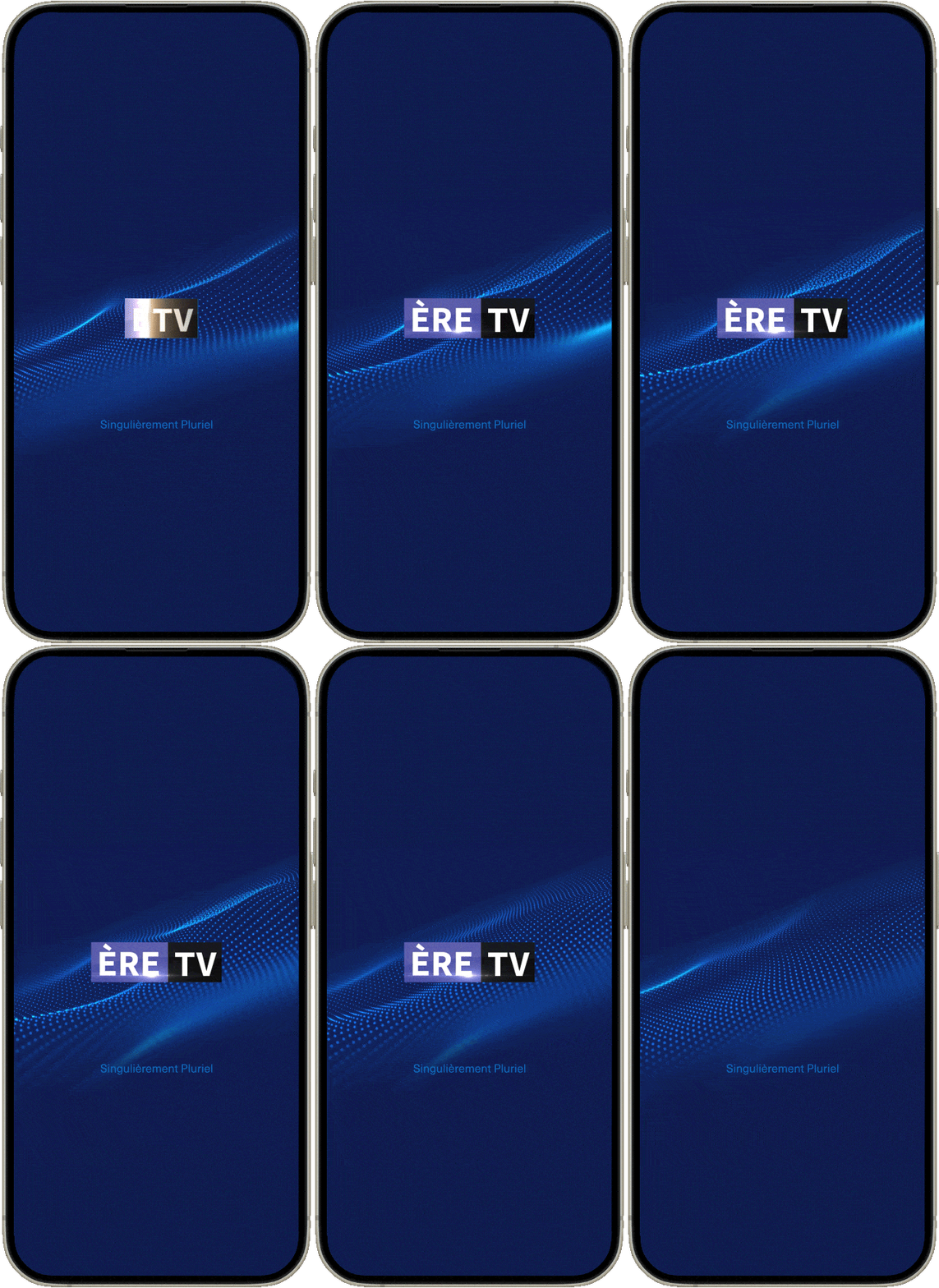
APP LOGO
ÈRE TV App Logo
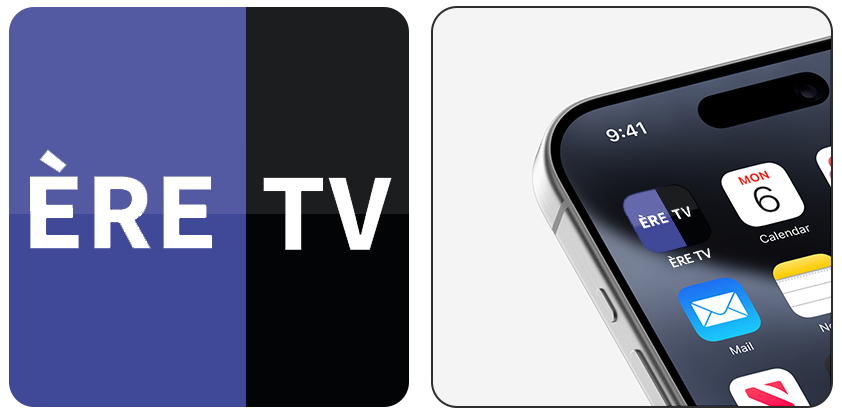


Interactivity Design on Figma
ÈRE TV App Interactivity Design
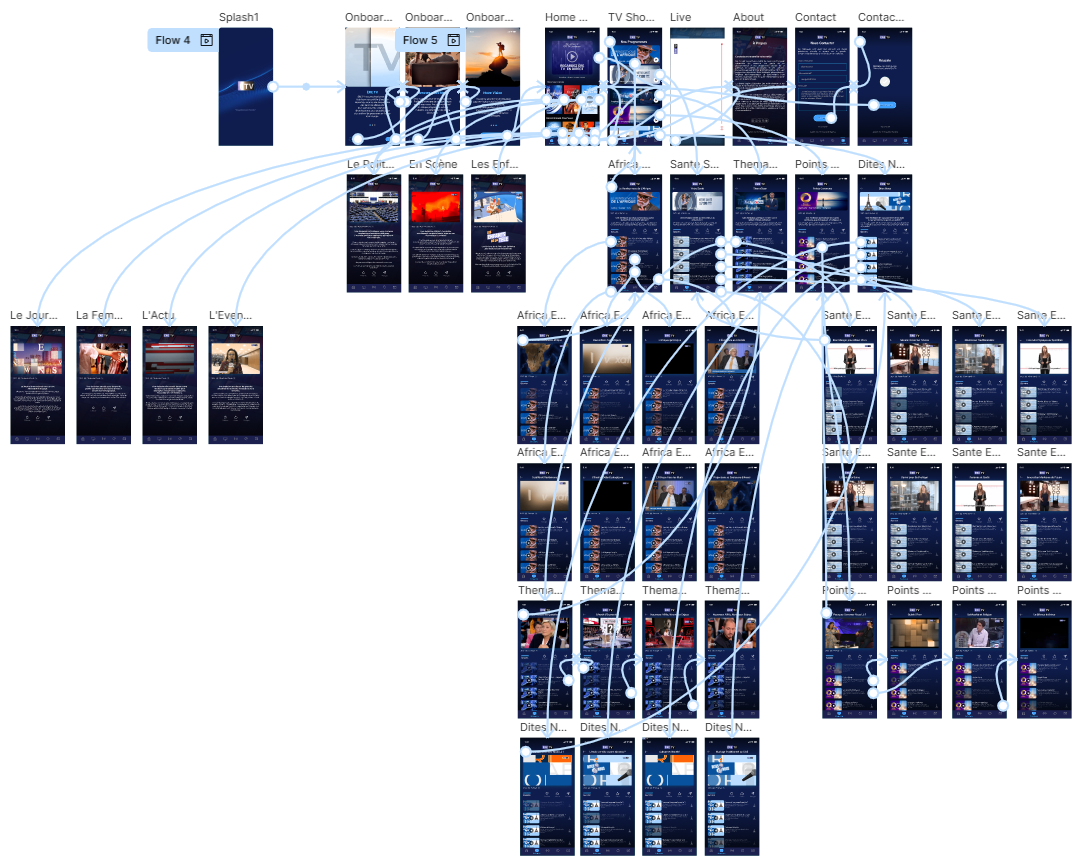


HIGH FIDELITY PROTOTYPE

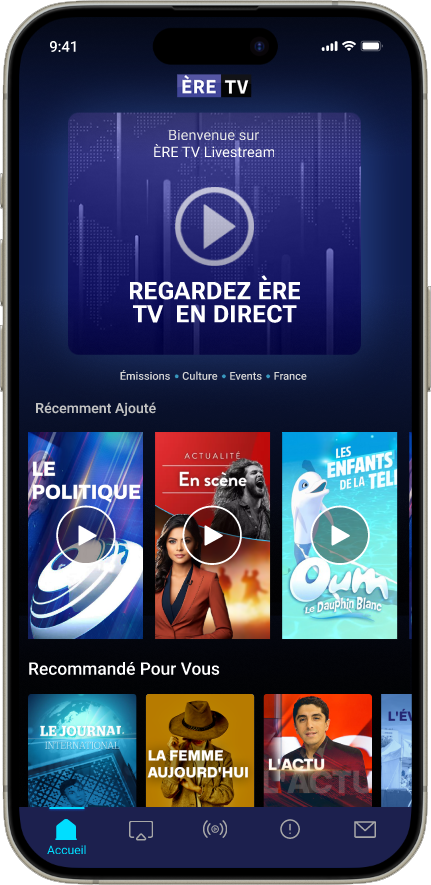
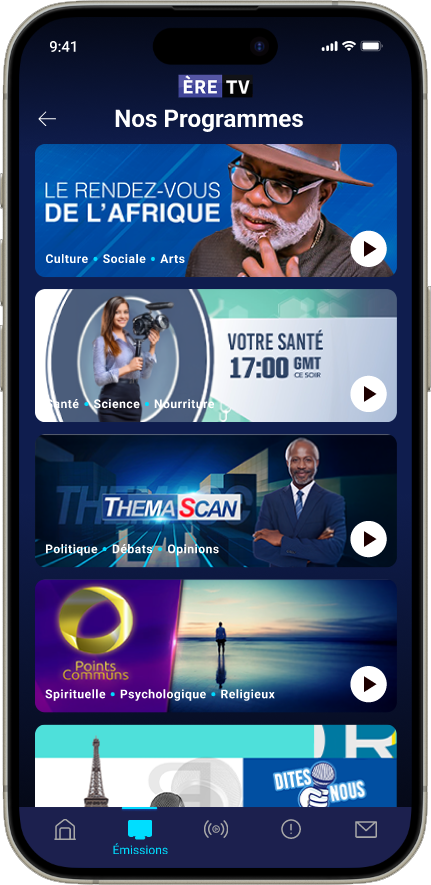
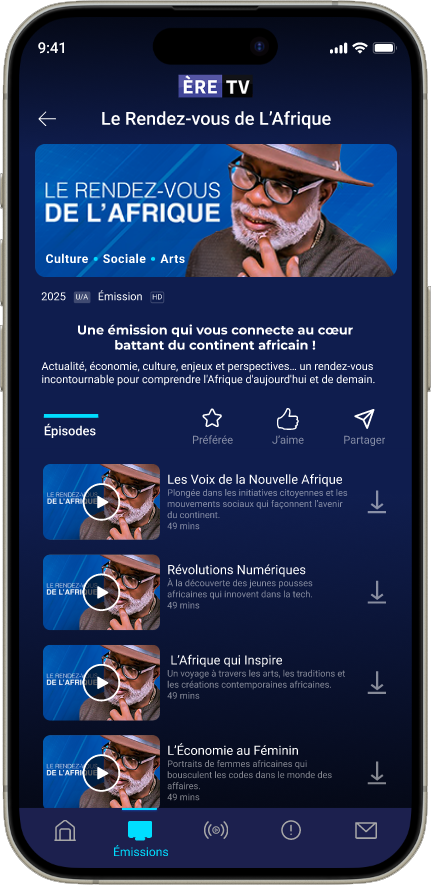
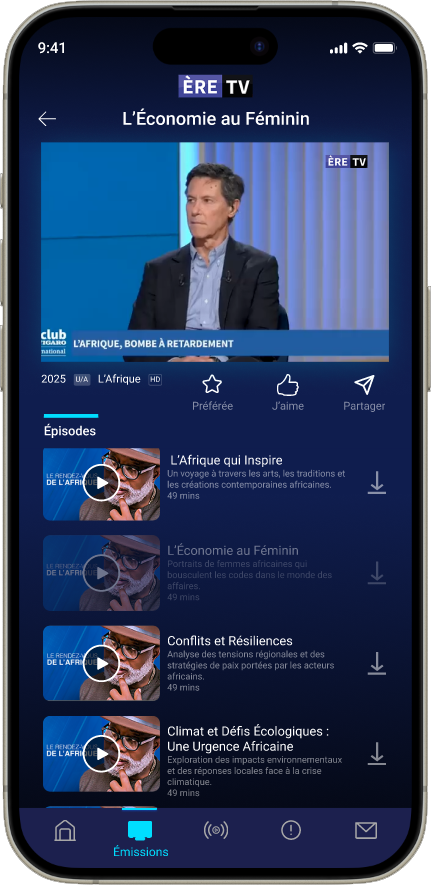
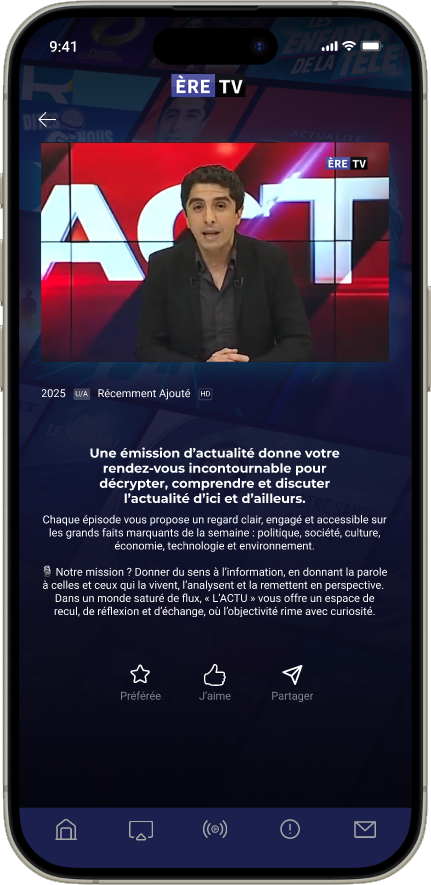
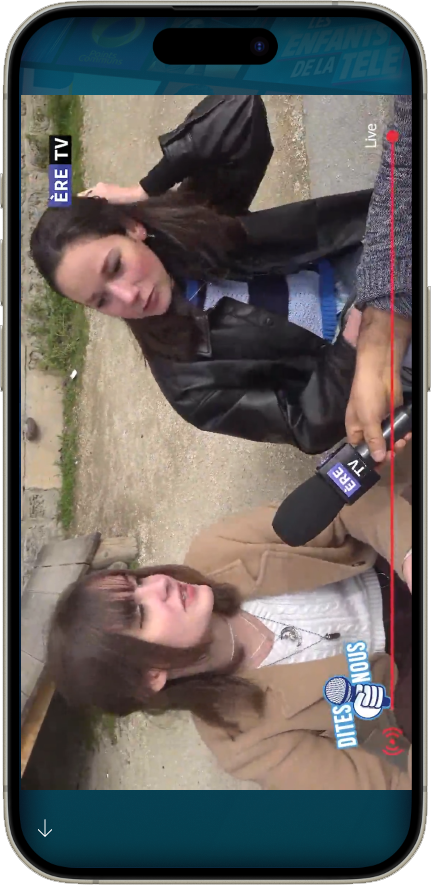
Incorporating Team's feedback on wireframes and UI iterations, I assigned specific screens to each team member. I focused on the User Flow, including the recomendation content, watching livestream broadcast, landing page, and onboarding screens. I collaborated with the team to address any design challenges, ensuring full utilisation of auto layout and consistent review for uniformity.

HANDOFF

DEVELOPPER HANDOFF

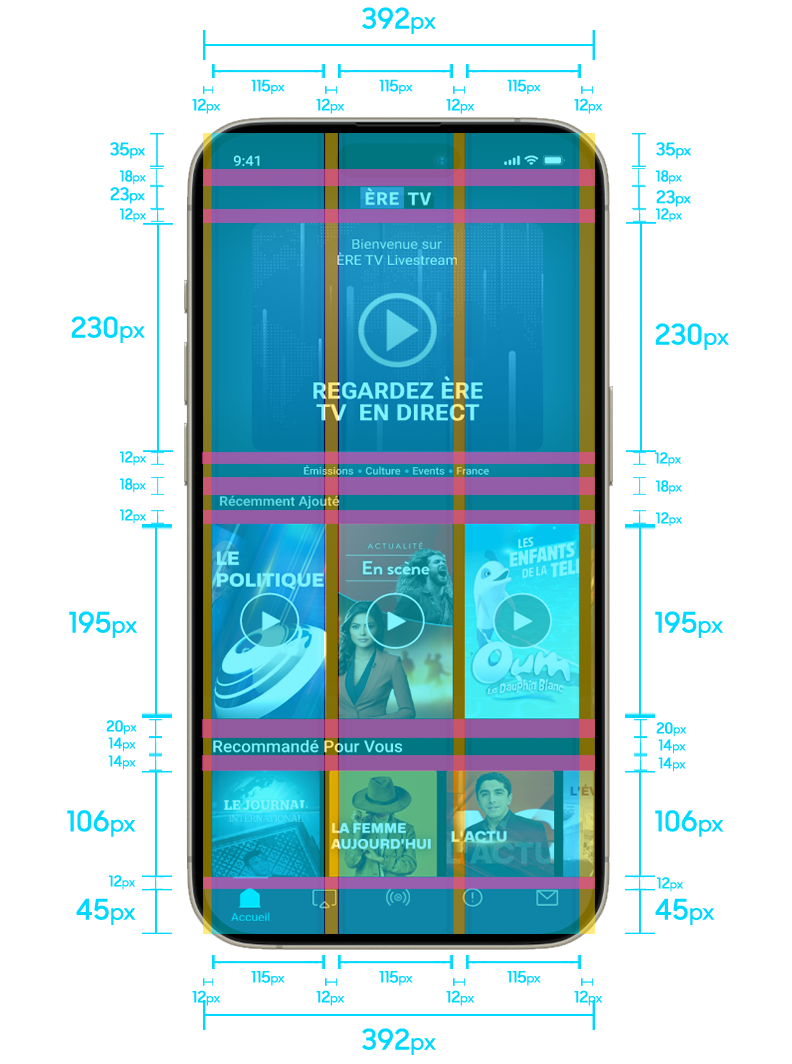
While awaiting project manager feedback on the high-fidelity screens for the ÈRE TV app project, I initiated the developer handoff process. Each designer annotated their own workflow using a plugin to ensure accurate spacing, padding, and clear interaction descriptions. This ensured that developers and the client understood the actions leading to interface or screen changes, avoiding any ambiguity in the user flow.


REFLECTION

TAKEAWAYS & NEXT STEPS

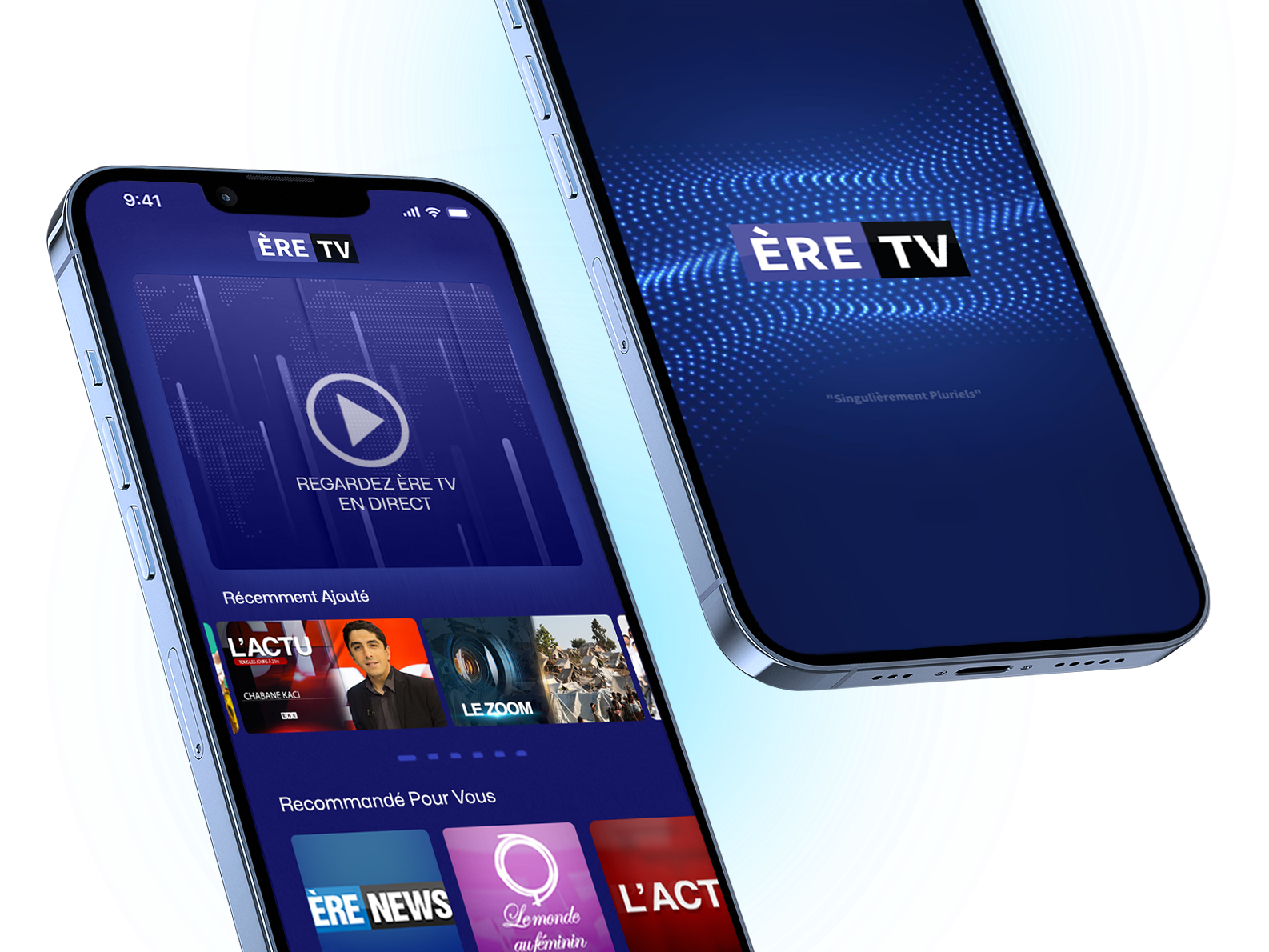
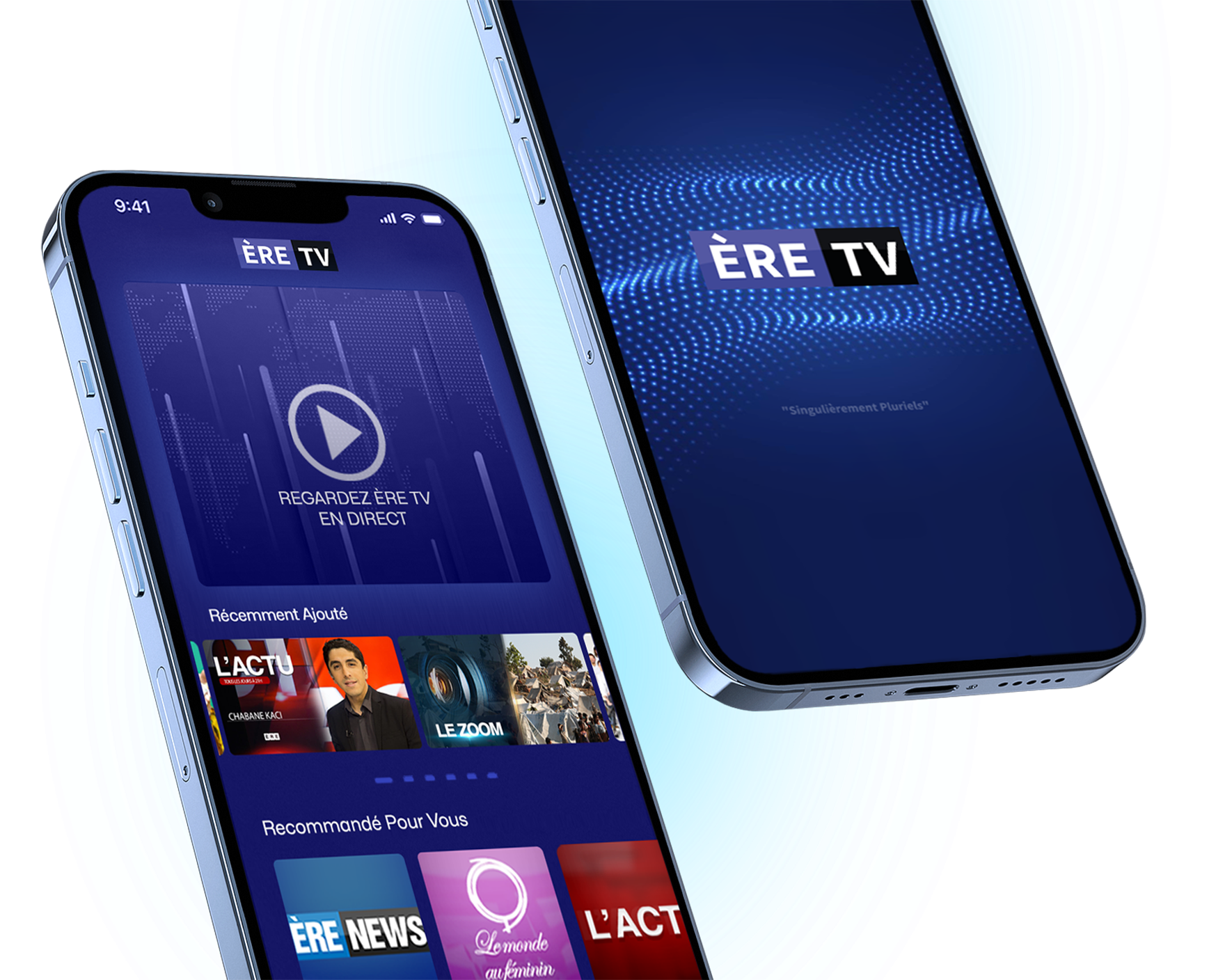
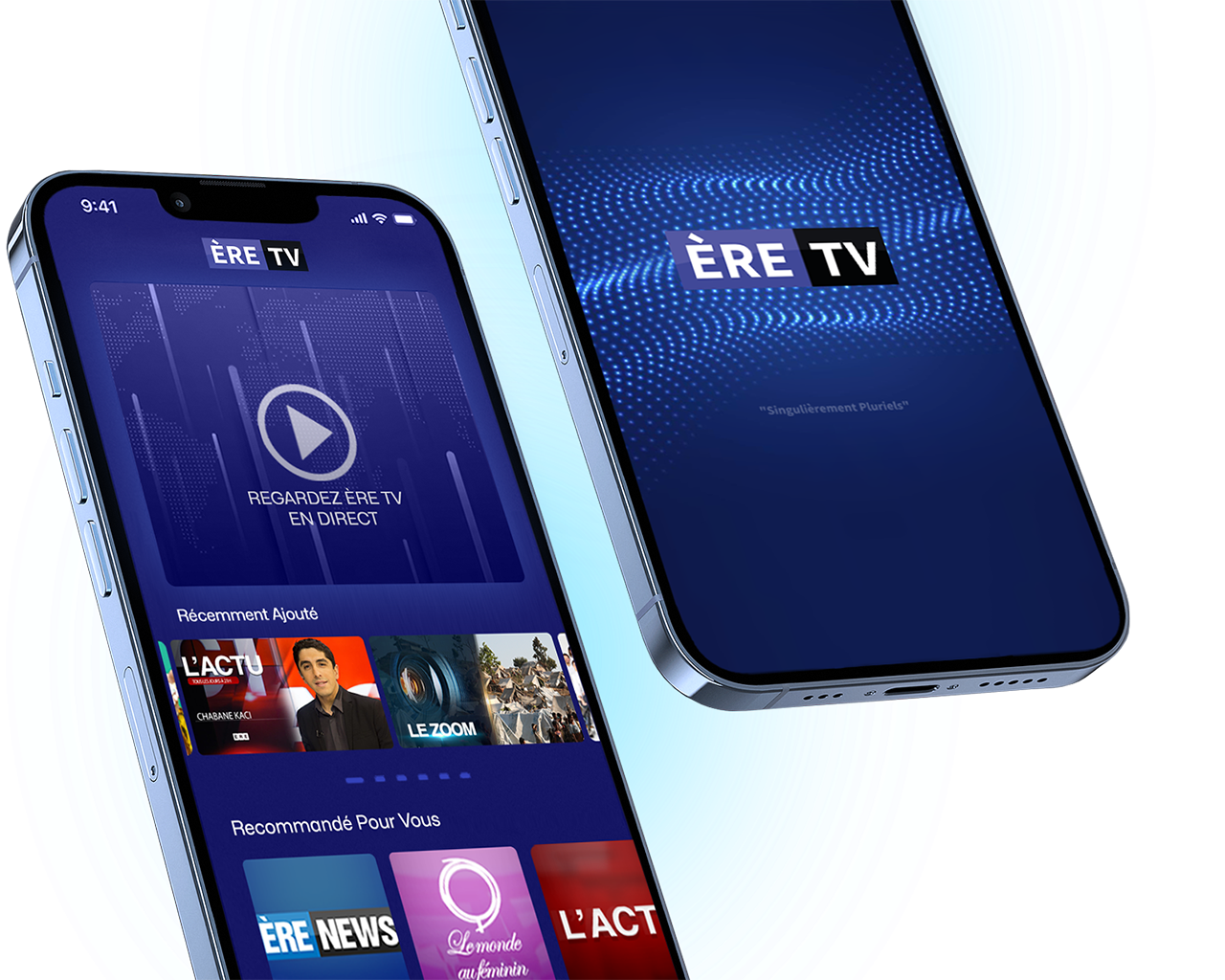
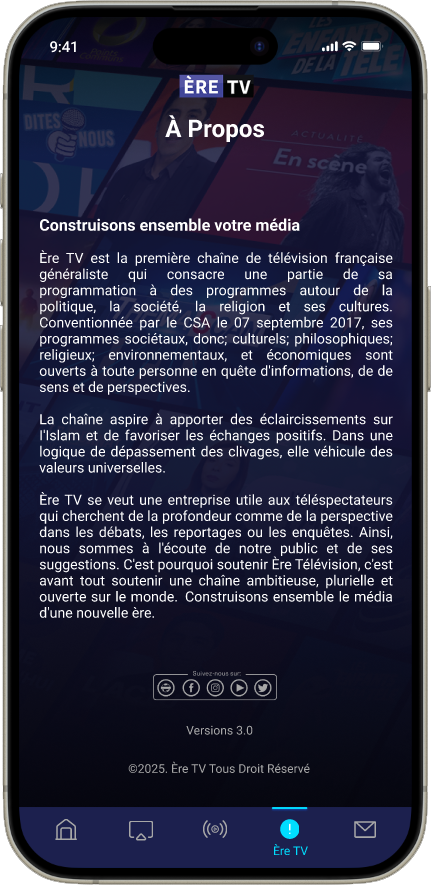
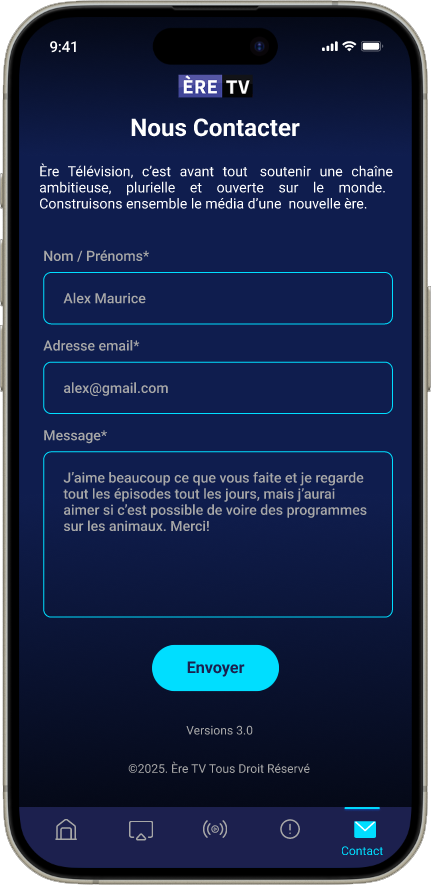
Designing the ÈRE TV app was an immensely fulfilling experience. Working on a responsive design for a news channel presented challenges, but it was rewarding to create a unified design system for both light and dark modes across all devices. Our use of a dashboard effectively presented users with current programs, live updates, and the ability to access previous broadcasts. Leading this project taught me the importance of team motivation and alignment to prevent redundant work and boost efficiency. Given the remote nature of our team, we relied on asynchronous collaboration across time zones. Transparent communication and diverse perspectives were key to generating complex ideas and achieving a comprehensive final product.

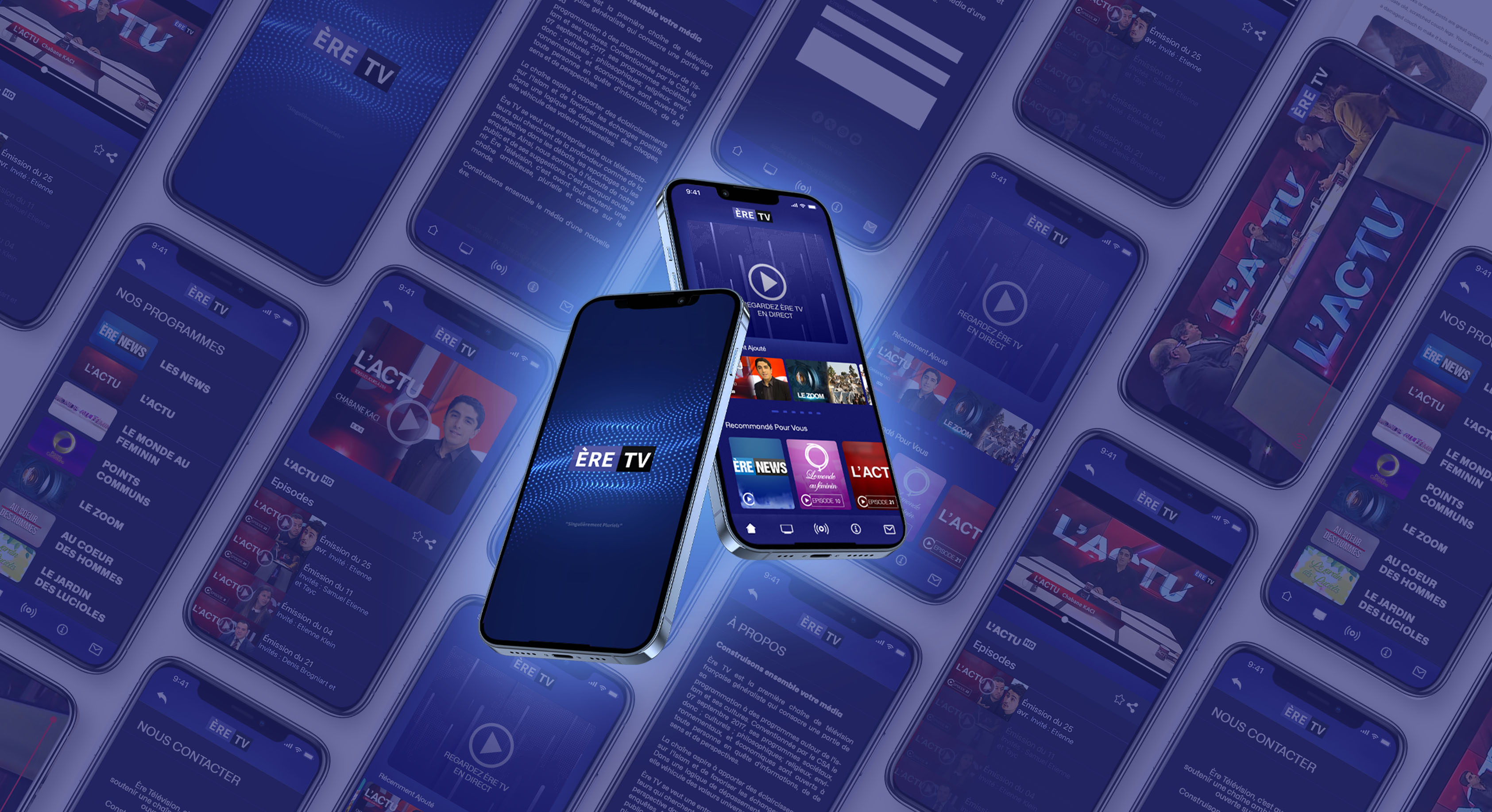
App Result